

Start here
Install Ryoku
Download the signed ISO, verify it, and install onto your hardware.
First boot
What you see after login and where to click first.
Desktop tour
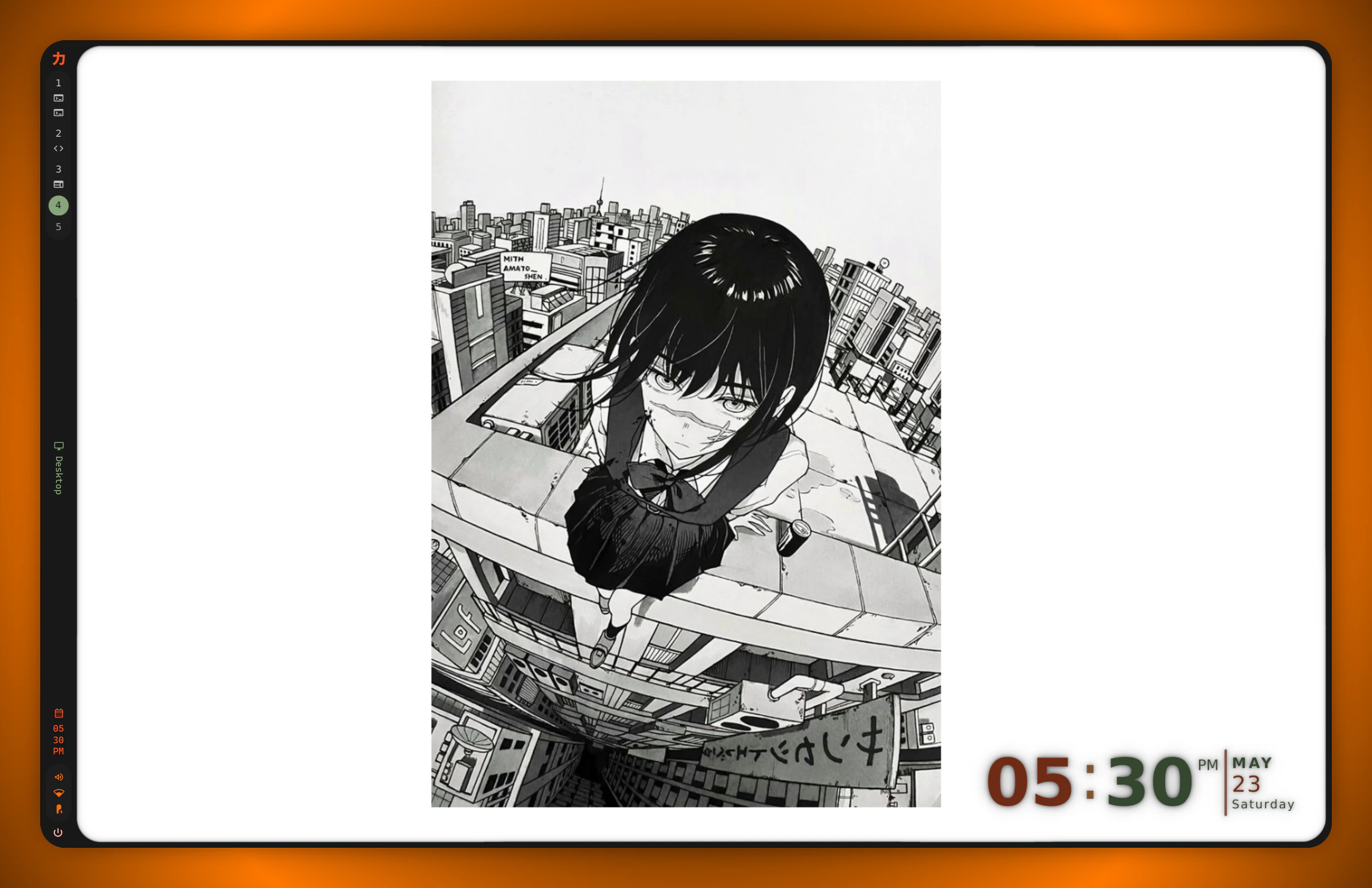
Hyprland workspaces, the topbar, launcher, side panels, and control center.
Keybindings
Every shipped binding and what to do with them.
What ships
- Desktop: Hyprland session, Quickshell topbar / sidebars / lock / launcher / control center, switchable themes, shell-first workflows.
- Plugin lanes: OpenVPN, Tailscale, capture workflows, hardware controls, and developer integrations.
- Daily-driver fit: Development, content work, gaming, media, notes, terminals, and container workflows on strong hardware.
- Brand: cohesive Greek-Noir palette, switchable Material 3 skins (
material,aurora,angel,ryoku-shell,cards).
Scope
Ryoku is built for people who want an expressive Arch workstation instead of spending a day re-wiring everything by hand. Ryoku is not trying to be a lightweight starter kit. It is intentionally tuned for powerful machines where the visual layer and workflow surface are part of the product.Status
Public preview. Signed alpha ISOs are available from the Ryoku website. The preview track isunstable-dev; stable releases are prepared on main. The shell is in a transition from Omarchy inheritance toward a Ryoku-owned plugin shell layer, while keeping installer, command, and runtime behavior coherent.